Worldpay gateway credentials
 Updated
by
BCH Digital Support
Updated
by
BCH Digital Support
In order to integrate your gateway with our payment services, we require the following credentials from your Worldpay account:
- Entity
- Username
- Password
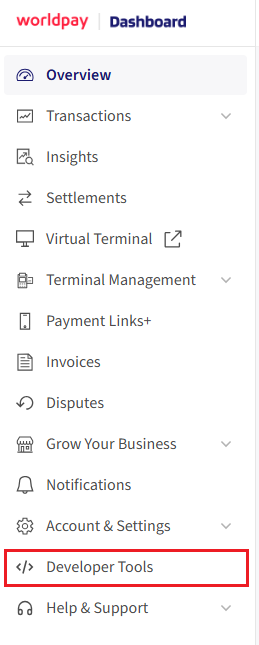
On the Worldpay dashboard navigate to "Developer Tools" at the bottom:
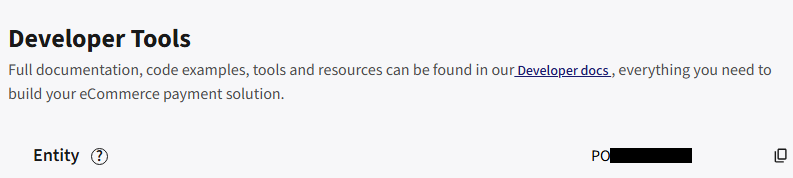
Entity
This is shown at the top:
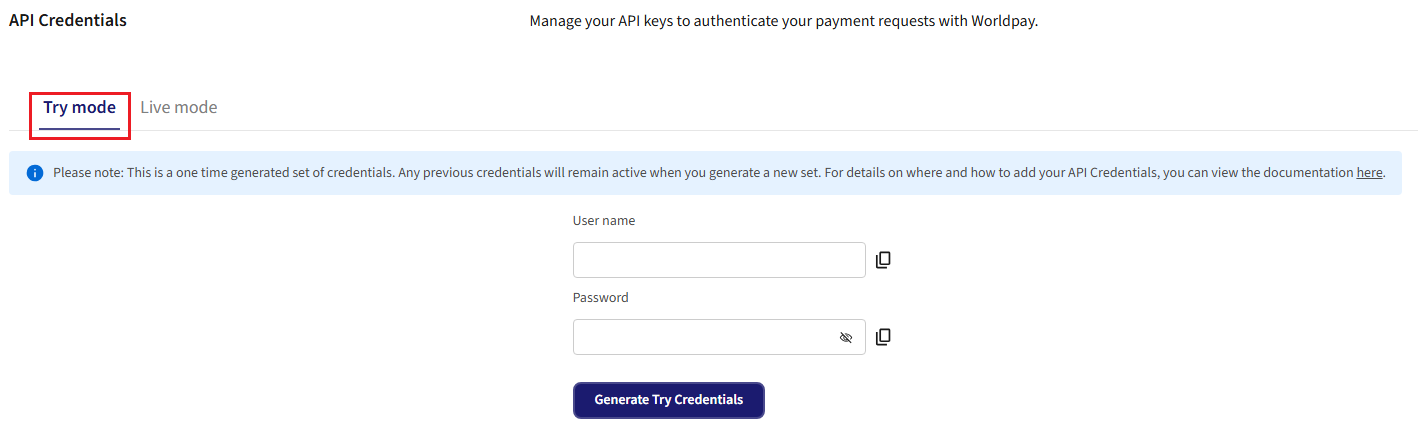
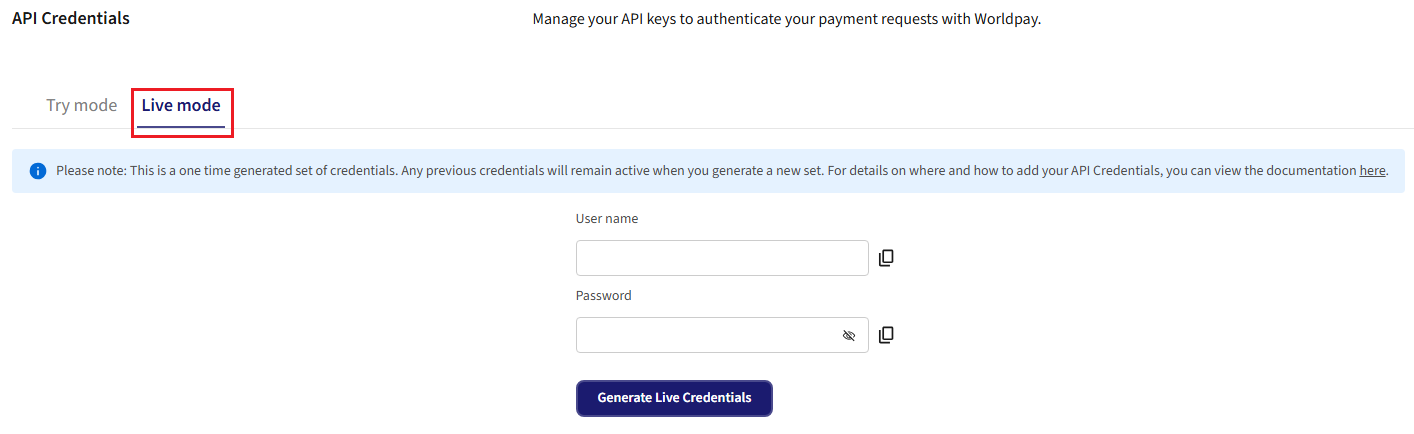
Username & Password
Test
Make sure Try mode is selected and click Generate Try Credentials.
Live
Make sure Live mode is selected and click Generate Live Credentials.
If IP Whitelisting is required on the gateway please contact support on the BCH Helpdesk for the required IPs.
If our Attestation of Compliance (AoC) is required it can be downloaded here.
