Acquired gateway credentials
 Updated
by
BCH Digital Support
Updated
by
BCH Digital Support
Credentials required
- App ID
- App Key
- Company ID
- MID
Site login
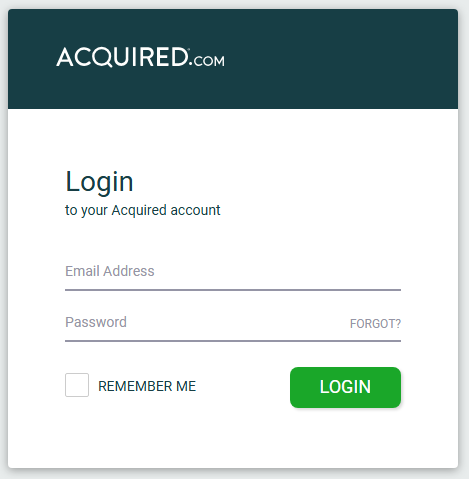
Go to https://hub.acquired.com/ and login
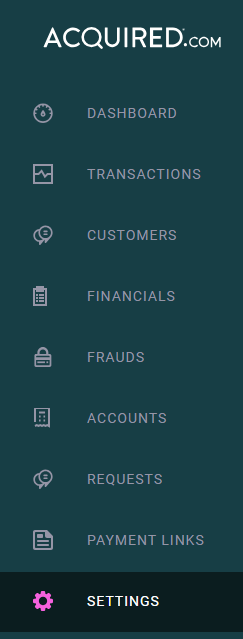
Go to Settings
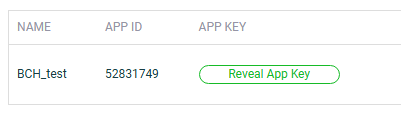
App ID
Go to API Access

Get the App ID
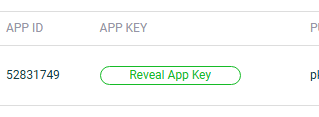
App Key
Click Reveal App Key and copy the key (not the public key)
Company ID
Go to Company

Go to Developers
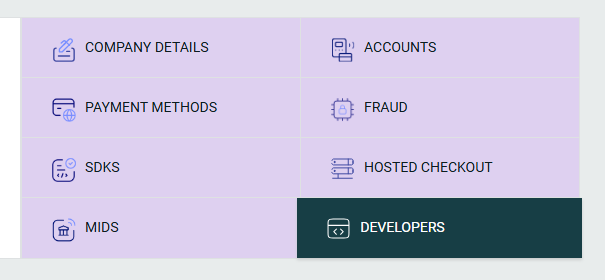
Copy the Company ID

MID
Copy the MID (not the MID NAME)

IP Allow List
Click Settings
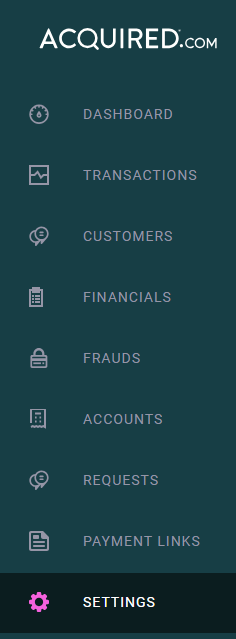
Go to IP Allowlist and add the IPs.

Final details to send to BCH
If you're not in contact with your account manager about the integration please submit a ticket with the above details for us to integrate your Acquired account .
Here's an example of what details that should be sent:
App ID | 58276399 |
App Key | 2jrce351cb25355b56ce47cfv4416ea7 |
Company ID | d0231927-a637-89f3-3eb5-62fe2de756d5 |
MID | cf79635d-c1c0-3351-fc73-3f844ee0c71b |
